





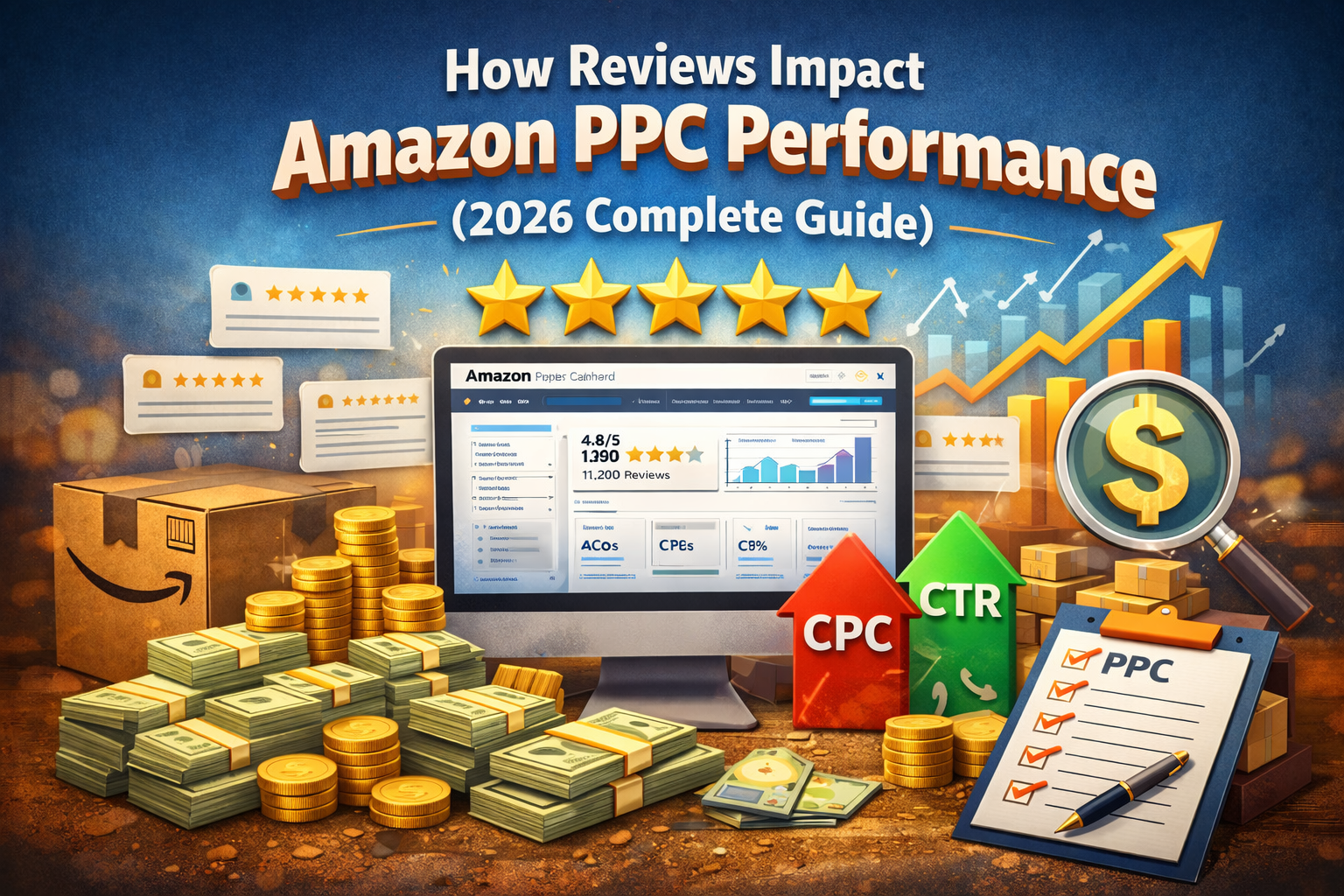
How Reviews Impact Amazon PPC Performance (2026 Complete Guide)
Amazon reviews are more than just social proof—they directly influence your Amazon PPC (Pay-Per-Click) performance, ad costs, and overall profitability. If you're running ads without optimizing your reviews, you're likely wasting money.
In this guide, we’ll break down how reviews affect Amazon PPC, why they matter, and how to leverage them to boost your ROI.
Why Reviews Matter for Amazon PPC
Amazon’s algorithm prioritizes products that convert well. Reviews play a major role in:
- Customer trust
- Conversion rate (CVR)
- Click-through rate (CTR)
👉 The better your reviews, the more likely customers are to click and buy—which improves your ad performance.
1. Reviews Improve Click-Through Rate (CTR)
When shoppers see your ad, one of the first things they notice is:
- Star rating ⭐
- Number of reviews
Example:
- Product A: ⭐ 4.7 (1,200 reviews)
- Product B: ⭐ 3.8 (45 reviews)
👉 Most buyers will click Product A.
Result: Higher CTR = better ad relevance = lower cost per click (CPC)
2. Reviews Reduce Your Cost Per Click (CPC)
Amazon rewards high-performing listings.
If your product has:
- High ratings (4.3+)
- Strong review volume
👉 Amazon considers your ad more relevant and may lower your CPC.
Better reviews = cheaper traffic
3. Reviews Boost Conversion Rate (CVR)
Even if users click your ad, they won’t buy without trust.
- Products with 4+ stars convert significantly better
- More reviews = more confidence
👉 Higher CVR means:
- More sales from the same ad spend
- Better ACoS (Advertising Cost of Sales)
4. Reviews Improve Ad Ranking & Visibility
Amazon PPC is auction-based—but performance matters.
Products with strong reviews:
- Win more ad placements
- Appear in top-of-search positions
- Get more impressions
👉 This creates a positive feedback loop:
More reviews → Better ads → More sales → More reviews
5. Negative Reviews Can Kill PPC Performance
Poor reviews don’t just hurt sales—they hurt your ads too.
- Lower CTR (people avoid low-rated products)
- Higher CPC (Amazon sees low relevance)
- Lower conversion rates
👉 Running ads on a product with <3.5 stars is usually a waste of money.
6. Review Quantity vs Quality
Both matter—but here’s the priority:
- Rating (quality)
- Number of reviews (quantity)
Ideal benchmark:
- Rating: 4.2 – 4.8 stars
- Reviews: 100+ for strong trust
7. How to Use Reviews to Improve PPC Performance
Optimize Before Running Ads
- Fix product issues causing bad reviews
- Improve packaging, quality, or listing clarity
Use Reviews in Your Listing
- Highlight positive feedback in bullet points
- Address common concerns
Increase Reviews Ethically
- Use Amazon’s “Request a Review” button
- Provide excellent customer experience
- Follow up (within Amazon policies)
Pause Ads if Reviews Drop
- If the rating falls below 4.0, optimize before scaling ads
Real Impact Example
| Scenario | CTR | CVR | CPC | ACoS |
|---|---|---|---|---|
| Low reviews (3.5⭐) | Low | Low | High | Poor |
| High reviews (4.5⭐) | High | High | Lower | Strong |
Key Takeaways
- Reviews directly impact CTR, CPC, and conversions
- Better reviews = higher ROI from ads
- Don’t scale PPC without strong product feedback
- Fix your listing before increasing ad spend
Final Thoughts
Amazon PPC isn’t just about keywords and bids—it’s about trust. Reviews are the foundation of that trust.
If you focus on:
- Product quality
- Customer experience
- Consistent review growth
👉 Your PPC campaigns will become more profitable and scalable.
FAQs
Do reviews affect Amazon PPC rankings?
Yes. Better reviews improve CTR and conversion rates, which help your ads rank higher.
How many reviews do I need to run PPC?
You can start with 5–10 reviews, but performance improves significantly after 50–100 reviews.
Can I run ads with no reviews?
Yes, but expect low conversion and higher costs.
Work with ApexBin
Spending on Amazon ads and watching ACoS climb anyway?
Muhammad Mustafa has over three years in Amazon advertising and five Amazon certifications, working with sellers across the US, UK and UAE.
Amazon PPC Management →





Blog Comments (0)
No comments yet. Be the first to comment!