





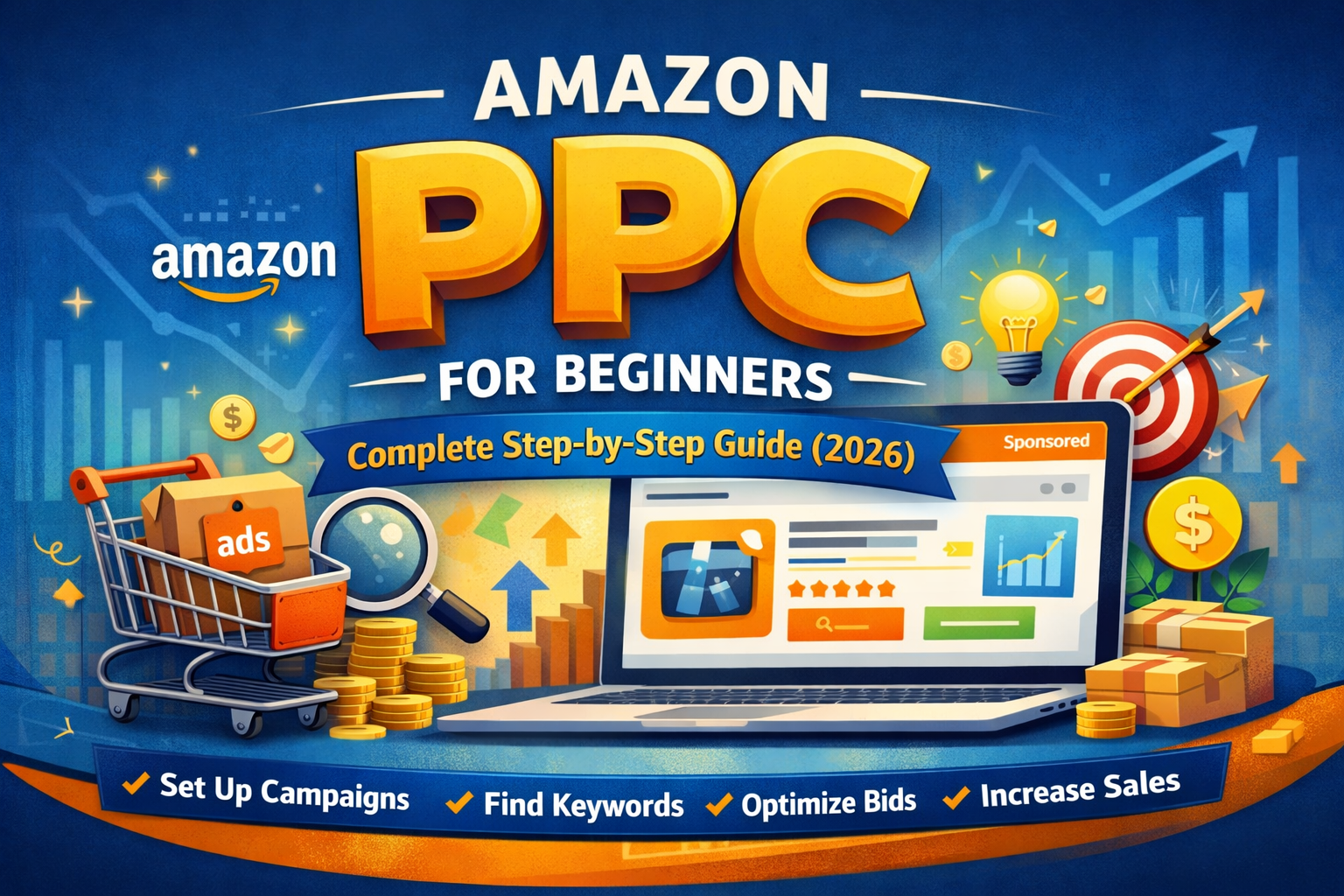
Amazon PPC for Beginners: Complete Step-by-Step Guide (2026)
If you’re selling on Amazon in 2026, relying only on organic rankings is no longer enough. Competition is fierce, and visibility is everything. That’s where Amazon PPC (Pay-Per-Click) comes in — a powerful advertising system that lets you promote your products directly in front of high-intent buyers.
In this complete beginner-friendly guide, you’ll learn what Amazon PPC is, how it works, and how to launch profitable campaigns step by step.
What is Amazon PPC?
Amazon PPC is an advertising model where sellers pay a fee only when someone clicks on their ad. These ads appear in high-visibility placements like:
- Top of search results
- Product detail pages
- Shopping results
- Brand showcase banners
The goal is simple: increase visibility → drive traffic → boost sales → improve organic ranking.
Why Amazon PPC is Important in 2026
Amazon’s algorithm (A10/A9 hybrid evolution) now prioritizes:
- Sales velocity
- Conversion rate
- Relevance
- External + internal traffic
PPC helps you:
✔ Launch new products faster
✔ Rank for competitive keywords
✔ Increase product visibility instantly
✔ Generate consistent sales data
Without PPC, scaling on Amazon today is extremely difficult.
Types of Amazon PPC Ads
1. Sponsored Products (Best for Beginners)
- Promotes individual product listings
- Appears in search results and product pages
- Works with automatic & manual targeting
👉 Start here if you’re new
2. Sponsored Brands
- Displays your brand logo + multiple products
- Appears at the top of search results
- Requires Brand Registry
3. Sponsored Display
- Retargets shoppers on and off Amazon
- Shows ads to people who viewed your product
Step-by-Step: How to Launch Your First PPC Campaign
Step 1: Set Your Goal
Before creating ads, decide your objective:
- Product launch
- Profitability
- Ranking keywords
- Clearing inventory
👉 Beginners should focus on data collection + visibility
Step 2: Keyword Research
Use tools like:
- Helium 10
- Jungle Scout
- Amazon auto-suggestions
Find:
- High search volume keywords
- Medium competition keywords
- Long-tail keywords (easier to rank)
Step 3: Create Your First Campaign
Go to Amazon Seller Central → Advertising → Campaign Manager
Choose:
- Campaign type: Sponsored Products
- Targeting: Automatic (start here)
Step 4: Set Budget & Bids
Daily Budget:
- Start with $5–$20 per campaign
Bidding Strategy:
- Dynamic bids (down only) → safer for beginners
Step 5: Launch Automatic Campaign
Automatic campaigns help Amazon:
- Discover converting keywords
- Understand your product
Run this for 7–14 days before optimizing.
Step 6: Analyze Search Term Report
After data collection:
Download Search Term Report and identify:
✔ Keywords that generate sales → move to manual campaigns
❌ Keywords with clicks but no sales → add as negative
Step 7: Create Manual Campaign
Now create a Manual Campaign with:
- Exact match (high converting keywords)
- Phrase match (moderate targeting)
- Broad match (discovery)
Step 8: Optimize Regularly
Every 3–5 days:
- Increase bids on profitable keywords
- Reduce bids on high ACOS keywords
- Add negative keywords
- Pause underperforming targets
Key Amazon PPC Metrics Explained
1. ACOS (Advertising Cost of Sales)
- Formula: Ad Spend ÷ Sales
- Lower ACOS = better profitability
2. ROAS (Return on Ad Spend)
- Formula: Sales ÷ Ad Spend
3. CTR (Click Through Rate)
- Measures how many people click your ad
4. Conversion Rate
- % of clicks that turn into sales
Beginner PPC Strategy (Simple & Effective)
Use this 3-campaign structure:
Campaign 1: Auto Campaign
- For keyword discovery
Campaign 2: Manual Exact
- Target best converting keywords
Campaign 3: Manual Broad/Phrase
- Expand reach and find new keywords
Common Mistakes Beginners Make
❌ Setting bids too high too early
❌ Ignoring search term reports
❌ Not using negative keywords
❌ Expecting instant profit
❌ Poor product listing (low conversion)
👉 Remember: PPC works best with a well-optimized listing
Pro Tips for 2026
- Use AI tools for keyword clustering
- Focus on long-tail keywords first
- Optimize your product images & title before ads
- Track TACOS (Total Advertising Cost of Sales)
- Combine PPC with external traffic (TikTok, Google)
How Much Should You Spend on Amazon PPC?
For beginners:
- Launch phase: 20–40% of product price
- Scaling phase: 10–25% ACOS target
Think of PPC as an investment, not an expense.
Final Thoughts
Amazon PPC is not just about ads — it’s about data, strategy, and continuous optimization.
If you follow this step-by-step approach:
- Start with automatic campaigns
- Extract winning keywords
- Build manual campaigns
- Optimize consistently
You’ll gradually move from losing money → breaking even → scaling profitably.
FAQs
Is Amazon PPC worth it for beginners?
Yes. It’s essential for visibility and sales growth.
How long does it take to see results?
Usually 1–2 weeks for initial data, 4–6 weeks for optimization.
What is a good ACOS?
Depends on margins, but 20–30% is typical for beginners.
Work with ApexBin
Spending on Amazon ads and watching ACoS climb anyway?
Muhammad Mustafa has over three years in Amazon advertising and five Amazon certifications, working with sellers across the US, UK and UAE.
Amazon PPC Management →




Blog Comments (0)
No comments yet. Be the first to comment!