





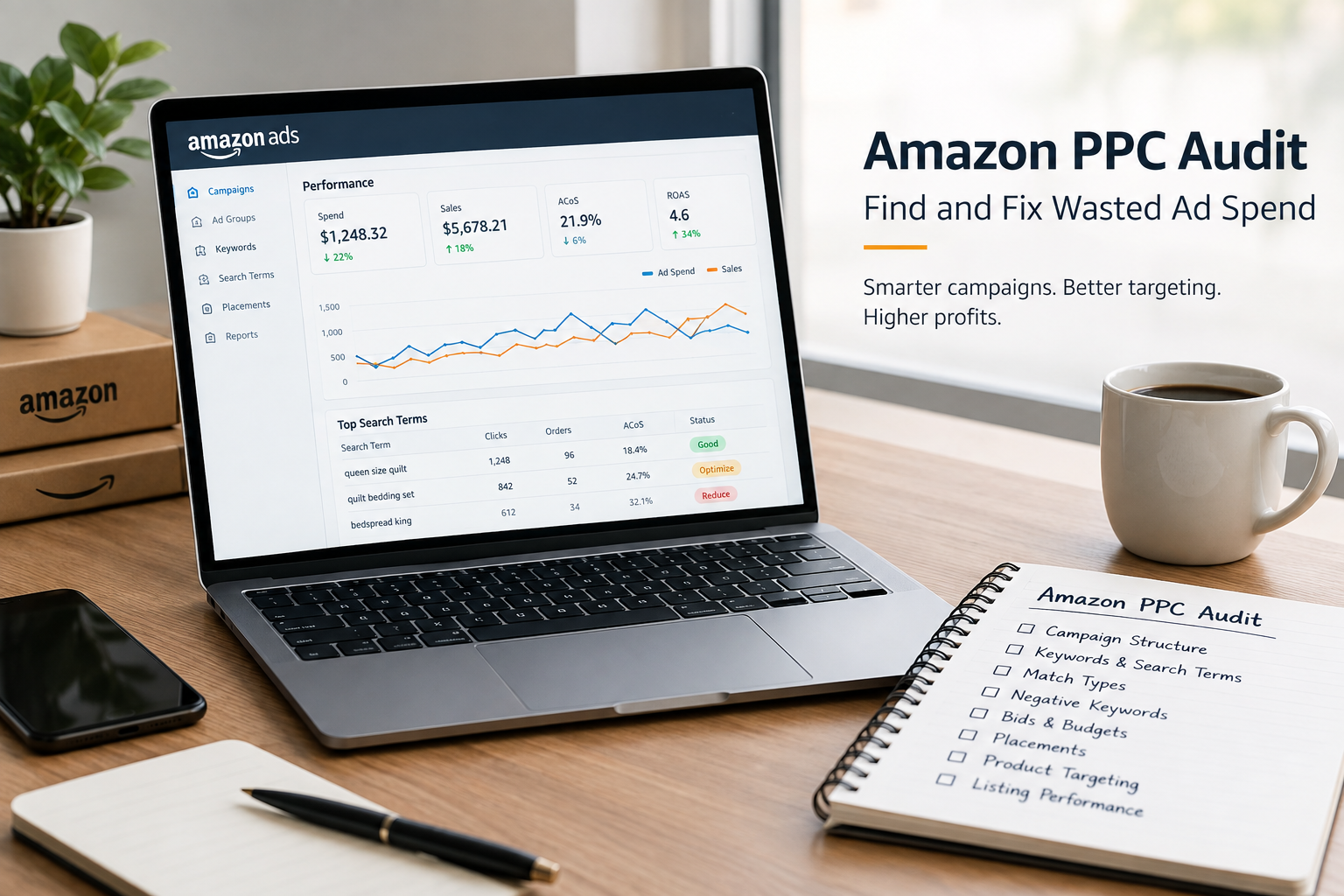
Amazon PPC Audit Guide: Find and Fix Wasted Ad Spend
Amazon PPC can be one of the most powerful ways to generate sales, improve product visibility, and grow an Amazon business. But when campaigns are not regularly monitored, advertising spend can quickly go toward irrelevant clicks, weak keywords, poor-performing products, and inefficient placements.
That is why a regular Amazon PPC audit is essential.
An Amazon PPC audit helps sellers identify where advertising money is being wasted, which campaigns are actually driving profitable sales, and what changes can improve overall PPC performance.
In this guide, we’ll explain how to audit Amazon PPC campaigns step by step, identify wasted ad spend, optimize keywords and bids, and build a more efficient advertising structure.
What Is an Amazon PPC Audit?
An Amazon PPC audit is a detailed review of your Amazon advertising account to evaluate campaign structure, keywords, search terms, bids, budgets, placements, conversions, and overall profitability.
The goal is not simply to reduce advertising spend.
The goal is to eliminate inefficient spend while protecting and increasing profitable traffic.
A good Amazon PPC audit typically examines:
- Campaign structure
- Keyword performance
- Search term performance
- Match types
- Negative keywords
- Product targeting
- Bids
- Daily budgets
- Ad placements
- Click-through rate (CTR)
- Conversion rate (CVR)
- Advertising Cost of Sales (ACoS)
- Return on Ad Spend (ROAS)
- Total advertising spend
- Sales generated from advertising
Amazon itself recommends using reports such as Search Term, Targeting, Placement, Advertising Product, and Performance Over Time reports to evaluate campaign performance.
Why Should You Audit Amazon PPC Campaigns?
Running Amazon ads without regular audits can create several problems.
You may have:
- Keywords spending money without generating sales
- Broad targeting attracting irrelevant searches
- High bids on low-converting keywords
- Duplicate keyword targeting
- Poorly allocated campaign budgets
- Underperforming product targets
- Search terms that should be added as negatives
- Profitable keywords that are not receiving enough budget
- Campaigns competing against each other
Even a campaign with strong sales can contain significant wasted spend.
For example, imagine a campaign spends $1,000 and generates $2,500 in attributed sales. At first glance, the campaign may appear successful.
However, if $300 of that spend came from irrelevant searches and another $200 came from keywords with extremely poor conversion rates, the campaign may have considerable room for improvement.
An audit helps uncover these hidden inefficiencies.
Step 1: Review Your Overall Amazon PPC Performance
Start your audit at the account level.
Look at performance over a meaningful period, such as the previous 30 days. For larger accounts, you can also compare 30-, 60-, and 90-day performance to identify trends.
Review:
- Total ad spend
- Total ad sales
- ACoS
- ROAS
- Impressions
- Clicks
- CTR
- CPC
- Orders
- Conversion rate
Important Amazon PPC Metrics
ACoS
ACoS = Ad Spend ÷ Ad Sales × 100
For example:
If you spend $200 and generate $800 in advertising sales:
ACoS = $200 ÷ $800 × 100 = 25%
ROAS
ROAS = Ad Sales ÷ Ad Spend
Using the same example:
ROAS = $800 ÷ $200 = 4.0
That means you generated $4 in attributed sales for every $1 spent on advertising.
However, don't judge every campaign using the same ACoS target. A new product may intentionally operate at a higher ACoS during launch, while a mature product may require tighter profitability.
Step 2: Analyze Your Search Term Report
The Search Term Report is one of the most valuable resources during an Amazon PPC audit.
It shows the customer search terms that resulted in at least one click, allowing advertisers to identify both high-performing and underperforming searches. Amazon recommends using this information to promote successful searches and add poor-performing terms as negative targets when appropriate.
Look for three major groups:
1. High-Performing Search Terms
These are search terms that generate:
- Orders
- Strong conversion rates
- Acceptable ACoS
- Good ROAS
Consider moving strong search terms into dedicated manual campaigns, particularly exact-match campaigns, when that structure makes sense for your strategy.
2. High-Spend, No-Sale Search Terms
These are some of the biggest sources of wasted PPC spend.
Look for search terms that have:
- Significant clicks
- Meaningful spend
- Zero orders
Do not automatically negative every keyword after only a few clicks. Give the term enough data to make a reasonable decision.
Amazon recommends evaluating performance before adding negative targets and notes a guideline of at least 20 clicks when considering a keyword for negative targeting.
3. Irrelevant Search Terms
These are searches that don't match your product or customer intent.
For example, if you sell a premium queen-size quilt, searches related to:
- Twin-size products
- Curtains
- Mattress covers
- Used products
- Completely different materials
may represent wasted traffic depending on your listing and campaign setup.
These searches should be reviewed for negative keyword opportunities.
Step 3: Find Your Biggest Sources of Wasted Ad Spend
A successful Amazon PPC audit should identify where the money is going, not simply whether ACoS is high.
Create a list of your highest-spending targets and search terms.
Then divide them into categories:
| Performance | Action |
|---|---|
| High spend + strong sales | Protect and scale |
| High spend + poor ACoS | Reduce bid / optimize |
| High spend + no sales | Investigate / consider negative |
| Low spend + strong conversion | Consider increasing bid |
| Low spend + no data | Continue testing |
| Irrelevant traffic | Add negative targeting |
This approach prevents you from making blanket decisions such as “pause everything with high ACoS.”
Step 4: Audit Your Keyword Match Types
Amazon Sponsored Products supports broad, phrase, and exact match targeting. Each match type provides a different level of reach and control.
Broad Match
Broad match provides greater reach and can be useful for keyword discovery.
However, it can also generate less relevant traffic.
During an audit, check whether broad-match campaigns are producing useful search terms or simply consuming budget.
Phrase Match
Phrase match provides more control than broad while still allowing variations and additional words around the phrase.
Review whether the search terms generated from phrase match are relevant and converting.
Exact Match
Exact match provides greater targeting control and can be useful for proven, high-performing search terms.
Your audit should identify successful search terms that may deserve more controlled targeting.
Step 5: Audit Negative Keywords
Negative targeting is one of the most effective ways to control wasted Amazon PPC spend.
Amazon allows negative targeting for keywords and products, helping advertisers prevent ads from appearing against unwanted searches or product pages.
Look for:
- Irrelevant search terms
- Consistently poor-performing searches
- Non-converting product targets
- Incorrect product sizes
- Incorrect product types
- Unwanted customer intent
- Competitor-related traffic that doesn't convert
You can use both negative phrase and negative exact targeting depending on the situation.
Negative Exact
Use negative exact when you want to block a specific search term while preserving other potentially relevant variations.
Negative Phrase
Use negative phrase when you want to prevent a broader group of searches containing a particular phrase.
Negative targeting should be strategic—not excessive.
Step 6: Review Keyword Bids
Your bids directly influence how aggressively Amazon competes for traffic.
During your PPC audit, identify:
Keywords With High Spend and Low Sales
Consider reducing bids if the keyword consistently fails to meet your profitability target.
Keywords With Strong Sales and Low ACoS
These keywords may deserve higher bids or additional budget if your business goals support scaling.
Keywords With Low Impressions
Low impressions can result from several factors, including:
- Low bids
- Low search volume
- Poor relevance
- Limited demand
- Budget constraints
Don't automatically increase bids on every low-impression keyword.
First determine whether the keyword is actually valuable.
Step 7: Audit Campaign Budgets
A common PPC problem is budget misallocation.
For example:
Campaign A:
- Daily budget: $100
- Strong conversion rate
- Frequently runs out of budget
Campaign B:
- Daily budget: $100
- Weak conversion rate
- Rarely uses the full budget
Giving both campaigns the same budget may not make sense.
Your audit should identify:
- Campaigns regularly hitting budget
- Campaigns with excess unused budget
- High-performing campaigns that need additional funding
- Low-performing campaigns consuming too much budget
- Seasonal campaigns
- Product-launch campaigns
- Testing campaigns
Amazon also recommends structuring budgets around campaign priorities and separating high-priority products from testing campaigns to prevent inefficient allocation.
Step 8: Audit Placement Performance
Amazon ads can perform differently depending on where they appear.
Review placement performance and compare:
- Top of Search
- Rest of Search
- Product Pages
- Other available placements depending on the ad type
If one placement generates significantly better conversion rates and ROAS, consider whether your bid strategy and placement adjustments are aligned with your goals.
Amazon's Placement Report is specifically designed to help advertisers understand performance across placement types and make more informed bid adjustments.
Step 9: Check Your Product Targeting
Amazon PPC isn't limited to keywords.
Product targeting can place ads on relevant product detail pages, categories, brands, and other product attributes.
During your audit, identify:
- High-performing ASIN targets
- High-spend ASINs
- ASINs generating clicks without sales
- Irrelevant competitor products
- Complementary products
- Poorly matched categories
If certain product targets consistently consume budget without producing acceptable results, consider reducing bids or adding negative product targeting.
Step 10: Check Your Product Detail Page
Sometimes the problem isn't the PPC campaign.
If you have plenty of clicks but very few orders, your Amazon listing may be the bottleneck.
Review:
- Main image
- Product title
- Bullet points
- Product description
- A+ Content
- Product price
- Coupons
- Reviews
- Star rating
- Product variations
- Images
- Mobile presentation
Amazon also recommends reviewing the product detail page when campaigns generate substantial clicks but low conversions.
For example, if your PPC targets “luxury king quilt,” but your listing images don't clearly communicate the product's quality, shoppers may click the ad but leave without purchasing.
In that situation, simply lowering the PPC bid may not solve the underlying problem.
Step 11: Separate Discovery From Performance Campaigns
One of the most effective ways to control Amazon PPC is to separate keyword discovery from proven performance.
Discovery Campaigns
Use these campaigns to find new opportunities.
They may include:
- Automatic targeting
- Broad match
- Phrase match
- Product targeting
- New keyword tests
Performance Campaigns
Use these campaigns for proven targets.
They may include:
- High-performing exact keywords
- Proven product targets
- Branded keywords
- High-converting search terms
Amazon recommends using automatic campaigns and search-term data to discover valuable keywords and then leveraging those insights in manual campaigns.
This separation makes budget management and optimization much easier.
Step 12: Look for Keyword Cannibalization
Another important part of an Amazon PPC audit is identifying unnecessary overlap.
For example, the same high-value keyword might appear in:
- Automatic campaigns
- Broad campaigns
- Phrase campaigns
- Exact campaigns
- Multiple product campaigns
This doesn't automatically mean the structure is wrong, but it can make performance analysis and budget control more difficult.
Ask:
Which campaign should own this keyword?
Creating clearer campaign roles can make optimization much easier.
Step 13: Check for Underfunded Winners
A PPC audit shouldn't only focus on wasted spend.
You also need to identify opportunities you're underfunding.
Look for keywords that have:
- Multiple orders
- Strong conversion rate
- Acceptable ACoS
- Strong ROAS
- Limited impressions
- Frequent budget constraints
These may be candidates for:
- Higher bids
- More budget
- Exact-match campaigns
- Dedicated campaigns
- Increased placement exposure
The goal is to move money away from inefficient traffic and toward proven opportunities.
Amazon PPC Audit Checklist
Use this checklist during your next audit:
Account Level
Review total PPC spend
Review total PPC sales
Check ACoS
Check ROAS
Compare performance over time
Identify major spending campaigns
Campaign Level
Check campaign budgets
Check campaign structure
Identify campaigns hitting budget
Identify campaigns wasting budget
Review targeting type
Review placement performance
Keyword Level
Find high-performing keywords
Find high-spend keywords
Find low-converting keywords
Review match types
Adjust bids
Add negative keywords
Promote proven search terms
Search Term Level
Review customer search terms
Identify irrelevant queries
Identify high-spend/no-sale terms
Identify converting searches
Add negative targets where appropriate
Move valuable search terms into controlled campaigns
Product Level
Review conversion rate
Check listing quality
Check pricing
Check reviews
Check images
Check variation structure
Check Buy Box status
How Often Should You Conduct an Amazon PPC Audit?
The ideal frequency depends on account size, spend, product lifecycle, and campaign activity.
Weekly
Perform a quick optimization check:
- Search terms
- Budget
- Major spenders
- New negative targets
- Bid changes
- Major performance changes
Monthly
Perform a deeper PPC audit:
- Campaign structure
- Keyword performance
- Search term performance
- Placement performance
- Product targeting
- Budget allocation
- ACoS and ROAS trends
During Major Events
Conduct additional checks around events such as:
- Prime Day
- Black Friday
- Cyber Monday
- Holiday shopping
- Product launches
- Major promotions
Amazon recommends regularly reviewing advertising reports and optimizing targeting, bids, and budgets based on performance.
Final Thoughts: Turn Wasted Spend Into Profitable Growth
An Amazon PPC audit is not simply about cutting advertising costs.
It's about making every advertising dollar work harder.
The best audits identify:
- Where money is being wasted
- Which search terms are generating sales
- Which keywords deserve more budget
- Which targets should be reduced or excluded
- Which placements are profitable
- Which campaigns need restructuring
- Whether the product listing is converting paid traffic effectively
The most important principle is simple:
Don't just spend less—spend smarter.
By regularly analyzing search terms, keywords, bids, budgets, placements, product targets, and conversion performance, sellers can reduce wasted ad spend while creating more room to scale profitable Amazon PPC campaigns.
Amazon's own advertising guidance emphasizes using performance reports to identify high-performing searches, refine targeting, add negative targets, and adjust bids based on campaign performance.
Need Help With Your Amazon PPC?
If you're struggling with high ACoS, wasted ad spend, low conversions, or campaigns that aren't scaling efficiently, a professional Amazon PPC audit can help identify the biggest opportunities for improvement.
Want more Amazon PPC guides and strategies? Explore our related blogs or contact us for professional Amazon PPC management and optimization support.







Blog Comments (0)
No comments yet. Be the first to comment!