





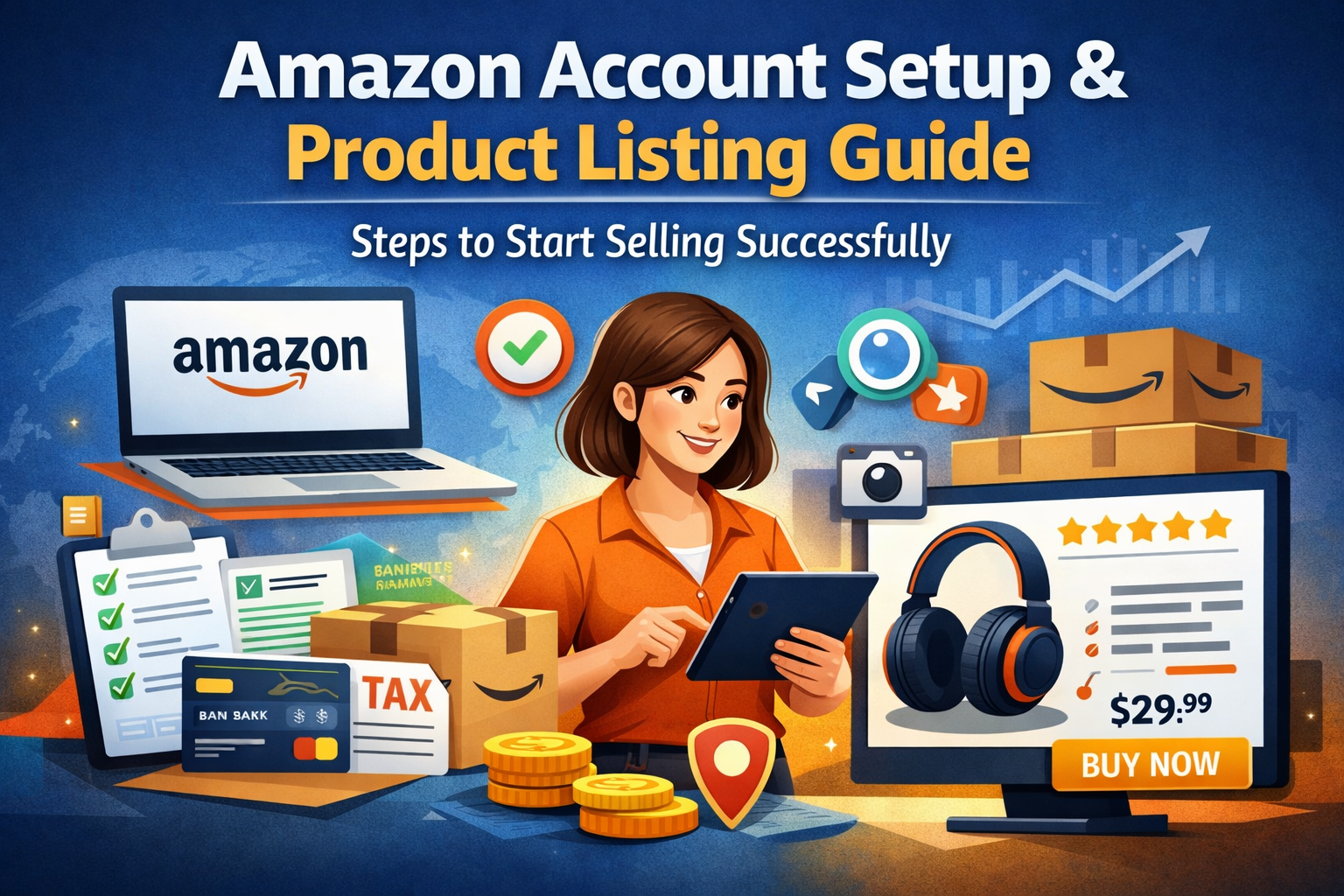
What to Do After Creating an Amazon Account: Complete Setup & Product Listing Guide
Creating an Amazon account is just the first step. The real success begins after your account is fully set up and optimized for selling. Many beginners make mistakes at this stage, which can lead to poor sales or even account issues.
In this guide, we’ll walk you through the next steps after account creation, including account setup and creating high-converting product listings.
Step 1: Complete Your Amazon Account Setup
Before you start selling, make sure your account is properly configured.
1. Add Business & Personal Information
- Enter your business name (or personal name if individual seller)
- Provide a valid phone number
- Add your address correctly
2. Set Up Payment & Bank Details
- Link your bank account to receive payments
- Add a debit/credit card for Amazon fees
3. Configure Shipping Settings
Choose between:
- FBM (Fulfilled by Merchant) – you handle shipping
- FBA (Fulfilled by Amazon) – Amazon handles storage & delivery
4. Tax Information
Submit required tax details to avoid account restrictions
5. Check Account Health
Always monitor:
- Order defect rate
- Late shipment rate
- Policy compliance
A properly set up account builds trust with Amazon and increases your chances of success.
Step 2: Create High-Converting Product Listings
Once your account is ready, the next step is listing your products correctly. A good listing can make the difference between no sales and consistent revenue.
1. Choose the Right Product
- Avoid highly saturated markets (in the beginning)
- Look for products with:
- High demand
- Low to medium competition
2. Write an Optimized Product Title
Your title should include:
- Main keyword
- Brand name
- Key features
Example:
“Wireless Bluetooth Earbuds with Noise Cancellation, Long Battery Life”
3. Use Strong Bullet Points
Highlight benefits, not just features:
- Easy to use
- Durable material
- Fast charging
4. Add a Detailed Description
Explain:
- How the product solves a problem
- Why customers should choose your product
5. Use High-Quality Images
- White background (main image)
- Lifestyle images
- Infographics (features explained visually)
6. Keyword Optimization (Amazon SEO)
Use relevant keywords in:
- Title
- Bullet points
- Backend search terms
This helps your product rank higher in Amazon search results.
Common Mistakes to Avoid
- Incomplete account setup
- Poor quality images
- Keyword stuffing
- Wrong product category
- Ignoring account health
Final Thoughts
Setting up your Amazon account properly and creating optimized product listings are the foundation of a successful Amazon business. If done correctly, you can start generating sales quickly and scale your store.
Need Help?
Managing an Amazon account can be time-consuming and technical. If you want to grow faster and avoid mistakes, we offer professional Amazon account handling services, including:
- Full account setup
- Product listing optimization
- Account management & growth strategies
📩 Contact us today to get started!
By following these steps, you’ll be well on your way to building a successful Amazon business.
Work with ApexBin
Spending on Amazon ads and watching ACoS climb anyway?
Muhammad Mustafa has over three years in Amazon advertising and five Amazon certifications, working with sellers across the US, UK and UAE.
Amazon PPC Management →






Blog Comments (0)
No comments yet. Be the first to comment!